The Mobile Reality Check: Why Your Site Loses the Call Before They Read a Word
Your customer's AC died at 9pm in July. They're on a phone, sweating, and deciding in seconds who to call. For an HVAC company, mobile isn't a version of your site — it is your site.

Picture your actual customer at the moment she needs you.
Her AC died at 9pm in July. The house is already 88 degrees and climbing, the kids can’t sleep, and the ceiling fan is just moving hot air around. She is not at a desk. She’s pacing the kitchen, holding a phone, with a thumb and about thirty seconds of patience.
That’s the device, the mood, and the budget of attention your website actually gets.
And yet most HVAC sites are designed the way I described in Clarity Sells: on a big monitor, in a calm office, by someone admiring how the full-width photo looks on desktop. The gap between where a site is designed and where it’s used is where the calls go to die.
Mobile-first is a revenue decision, not a design one
Open your analytics and look at the device split. For an HVAC company, mobile isn’t a slice of the traffic — it’s the bulk of it, and during a heat wave it’s nearly all of it. Now compare your mobile conversion rate to desktop. If mobile converts dramatically worse, that gap is the clearest confusion signal you’ll ever get: same business, same intent, different clarity.
I learned this lesson outside the emergency world. When I worked on an agriculture SaaS platform, the users weren’t in offices — they were in fields, on phones, in bright sun, with dirty hands. Designing for that context, instead of the boardroom demo, is what made the product work. Your customer in an 88-degree living room deserves the same respect.
Slow is a hang-up
On a stressed phone-holder’s timeline, loading time is not a technical metric — it’s a countdown to the back button. Every extra second of load is a percentage of callers you paid to attract (through ads, SEO, referrals) handing themselves to the next result.
The usual suspects are boringly consistent: enormous hero images, autoplaying video, a page builder stacked with plugins, a slideshow nobody asked for. You don’t need to become a performance engineer. You need to open your site on your own phone, on cell data, in a parking lot — and feel what your customer feels.
Tap-to-call beats the contact form. It isn’t close.
Here’s the mismatch: the customer wants to talk to someone right now, and the site offers her a form with nine fields and a “we’ll get back to you shortly.”
“Submit and wait” is a fine pattern for a full-system replacement quote. It’s a lost job for the July AC failure and the furnace that quits on the coldest night of the year. The emergency customer doesn’t fill out forms — she calls whoever makes calling easiest, and she only makes one or two calls before someone answers and wins.
The fix costs almost nothing:
- A tap-to-call button — an actual button, thumb-sized — visible without scrolling, and repeated as the page goes on.
- Your hours next to it, so the 9pm caller knows whether to expect a human or a voicemail (and if you offer 24/7 emergency service, say it there, not on a buried services page).
- Keep the form for the non-urgent jobs — but cut it to the essentials. If a field doesn’t change how you’d respond, it’s costing you leads to collect it.
One thumb, one path
Test your navigation the way it’s actually used: one-handed, walking, distracted.
Can a thumb reach the menu? Do the menu items name services a customer would say out loud (“AC Repair”), or internal categories (“Comfort Solutions”)? Is the primary action — call or book — ever more than one tap away, no matter how far someone has scrolled?
A simple pattern that works for nearly every HVAC site: a slim bar pinned to the bottom of the mobile screen with two buttons — Call and Book. The customer never has to hunt. The thumb never has to travel. It’s not clever, and that’s why it converts.
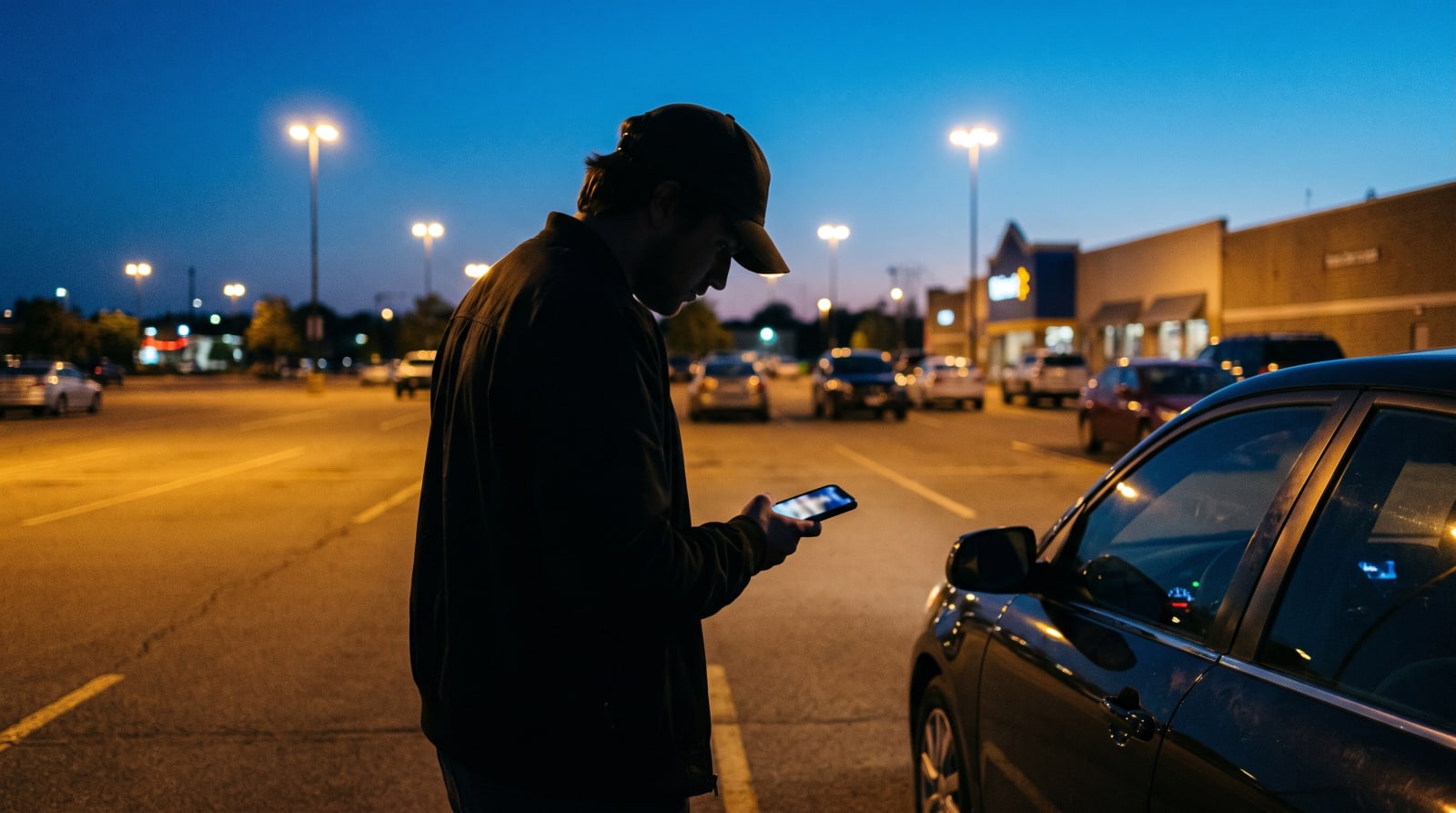
The parking-lot checklist
Run this five-minute audit on your own phone, on cell data:
- Does the page load before impatience kicks in?
- Can you answer the three hero questions — what, for whom, what next — without pinching or squinting?
- Is the phone number a tappable button, visible immediately?
- Can your thumb reach the primary action from anywhere on the page?
- Does the contact form ask only what’s essential?
- Type your business into Google the way a customer would, tap your site, and try to book a job — one hand, sixty seconds. Did you make it?
Every “no” on that list is a caller who dialed your competitor — not because they compared you and chose them, but because your site never got out of the way long enough to be considered.
The work is rarely a rebuild. It’s a handful of screens, tested where your customers actually stand: in a parking lot, holding a phone, needing help.